

Transactions Menu View
The transactions menu view displays the list of transactions across all assets.
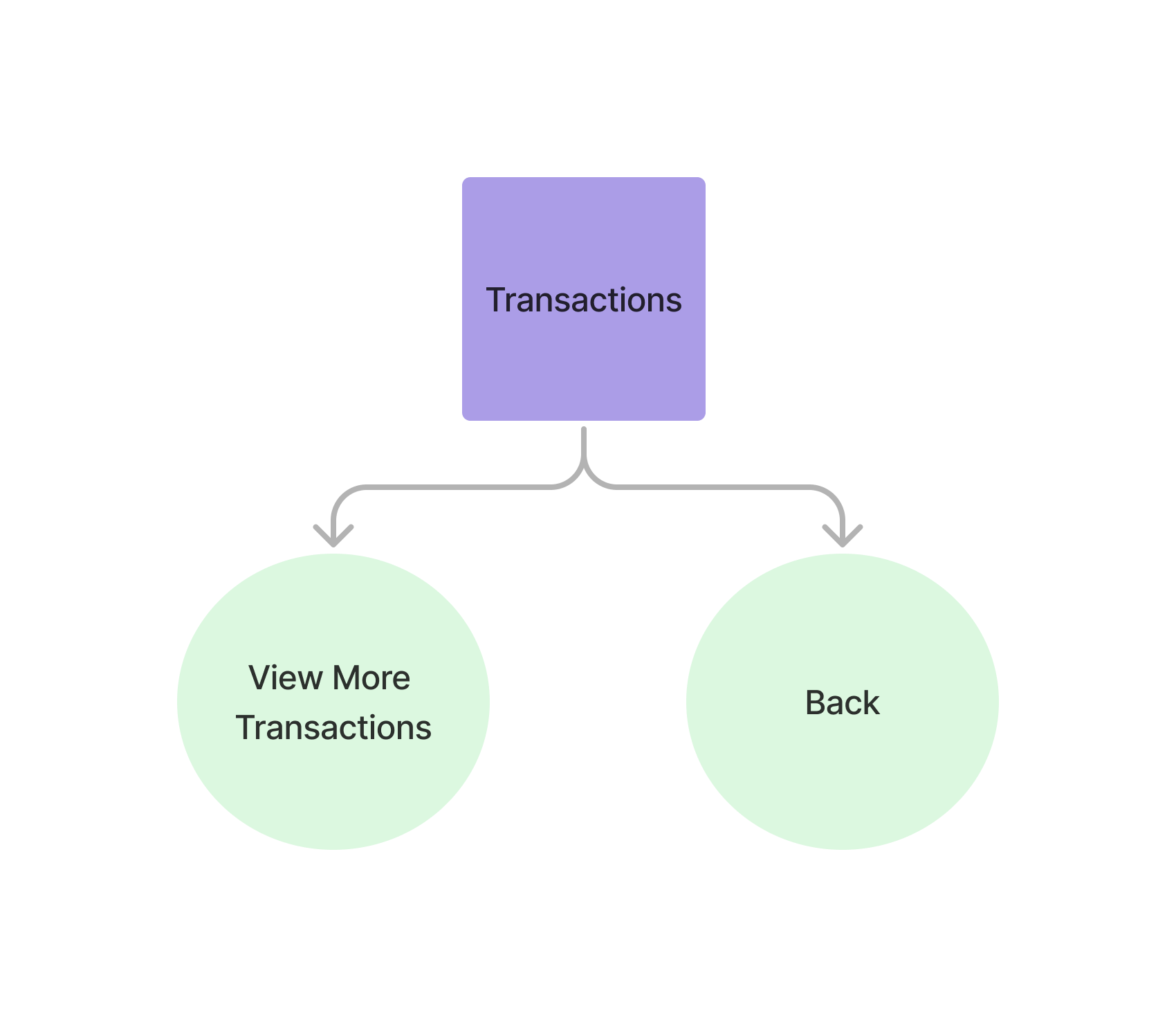
Accessing the Transactions View
Section titled “Accessing the Transactions View” curl --request POST \ --url https://api.staging.pipevest.com/v1/ussd/process \ --header 'Content-Type: application/json' \ --header 'Authorization: Bearer <access-token>' \ --header 'x-client-id: <client-id>' \ --data '{"sessionId": "<session-id>", "choice": "3"}'Example Response
{ "message": "USSD request processed successfully", "data": { "sessionId": "ussd_2231df057f1f8f5269f0a268249ac104", "currentState": "TRANSACTION_HISTORY", "menu": { "state": "TRANSACTION_HISTORY", "text": "Transactions 1-2 of 7\n11/6/2025 BUY AAPL 0.0036 sh ZK22.00\n11/5/2025 BUY AAPL 0.0930 sh ZK560.00", "options": [ { "key": "7", "label": "Next" }, { "key": "0", "label": "Back", "nextState": "MY_PORTFOLIO" } ], "isEndState": false }, "ussdText": "Transactions 1-2 of 7\n11/6/2025 BUY AAPL 0.0036 sh ZK22.00\n11/5/2025 BUY AAPL 0.0930 sh ZK560.00\n\n7. Next\n0. Back", "expiresAt": "2025-11-10T14:56:05.356Z" }}Transactions 1-2 of 7 11/6/2025 BUY AAPL 0.0036 sh ZK22.00 11/5/2025 BUY AAPL 0.0930 sh ZK560.00 7. Next 0. Back
Each row is one transaction: date, side, ticker, size and consideration. Share counts are always rendered to four decimal places.
Paging transactions view
Section titled “Paging transactions view”The transaction list shows 2 rows per page, and the heading states the range
it is showing. Page with the navigation keys — 6 for previous, 7 for next:
curl --request POST \ --url https://api.staging.pipevest.com/v1/ussd/process \ --header 'Content-Type: application/json' \ --header 'Authorization: Bearer <access-token>' \ --header 'x-client-id: <client-id>' \ --data '{"sessionId": "<session-id>", "choice": "7"}'6 is offered only when there is a previous page and 7 only when there is a
next one, so read the keys off the options array rather than assuming both are
present. Pressing next on the last page holds position instead of returning an
empty page.
Individual asset transactions view
Section titled “Individual asset transactions view”Selecting an individual asset filters the transactions to that asset. As with every USSD step, you advance the session by sending the asset’s menu key as the choice to POST /v1/ussd/process.
curl --request POST \ --url https://api.staging.pipevest.com/v1/ussd/process \ --header 'Content-Type: application/json' \ --header 'Authorization: Bearer <access-token>' \ --header 'x-client-id: <client-id>' \ --data '{"sessionId": "<session-id>", "choice": "1"}'{ "message": "USSD request processed successfully", "data": { "sessionId": "ussd_2231df057f1f8f5269f0a268249ac104", "currentState": "STOCK_TRANSACTIONS", "menu": { "state": "STOCK_TRANSACTIONS", "text": "AAPL history\n11/6/2025 BUY 0.0036 sh ZK22.00\n11/5/2025 BUY 0.0930 sh ZK560.00", "options": [ { "key": "0", "label": "Back", "nextState": "ASSET_DETAIL" } ], "isEndState": false }, "ussdText": "AAPL history\n11/6/2025 BUY 0.0036 sh ZK22.00\n11/5/2025 BUY 0.0930 sh ZK560.00\n\n0. Back", "expiresAt": "2025-11-10T14:56:05.356Z" }}AAPL history 11/6/2025 BUY 0.0036 sh ZK22.00 11/5/2025 BUY 0.0930 sh ZK560.00 0. Back
The ticker is in the heading, so these rows do not repeat it. This list pages on
the same 6 / 7 keys.
Transactions View Example
Section titled “Transactions View Example”Check out an example of the ussd transactions view