

Assets Menu View
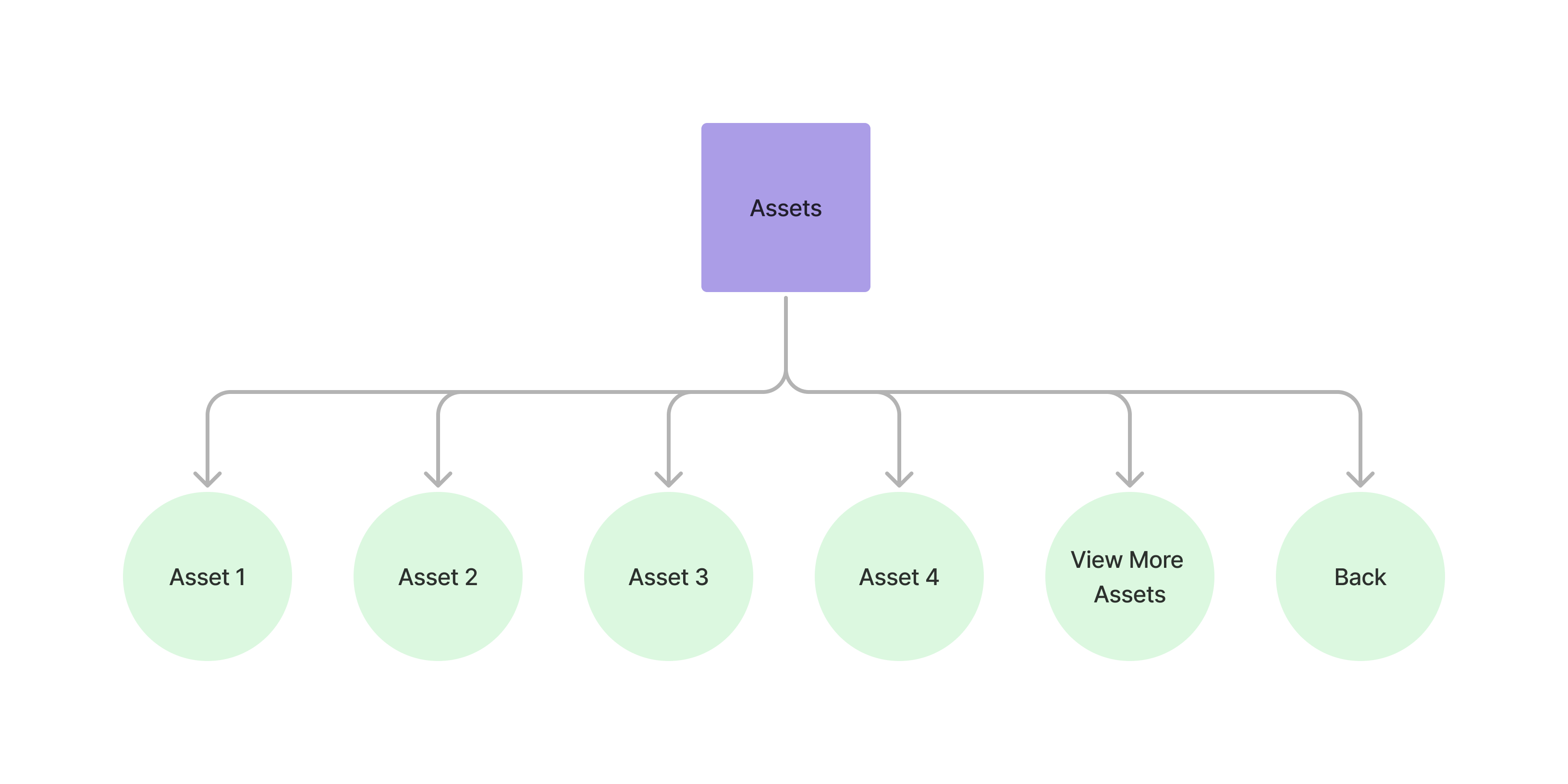
The assets menu view allows users to review and interact with the assets that they currently own.
Accessing the Assets View
Section titled “Accessing the Assets View” curl --request POST \ --url https://api.staging.pipevest.com/v1/ussd/process \ --header 'Content-Type: application/json' \ --header 'Authorization: Bearer <access-token>' \ --header 'x-client-id: <client-id>' \ --data '{"sessionId": "<session-id>", "choice": "1"}'Example Response
{ "message": "USSD request processed successfully", "data": { "sessionId": "ussd_2231df057f1f8f5269f0a268249ac104", "currentState": "VIEW_ASSETS", "menu": { "state": "VIEW_ASSETS", "text": "My Assets\nTotal: ZK1012.97 +1.12%", "options": [ { "key": "1", "label": "AAPL ZK592.45", "nextState": "ASSET_DETAIL", "data": { "assetId": "cmhkp4jkw0005zxfok9m0kiwg", "symbol": "AAPL", "name": "Apple Inc." } }, { "key": "2", "label": "TSLA ZK420.52", "nextState": "ASSET_DETAIL", "data": { "assetId": "cmhkp4km20009zxfoyv85kkij", "symbol": "TSLA", "name": "Tesla Inc." } }, { "key": "0", "label": "Back", "nextState": "MY_PORTFOLIO" } ], "isEndState": false }, "ussdText": "My Assets\nTotal: ZK1012.97 +1.12%\n\n1. AAPL ZK592.45\n2. TSLA ZK420.52\n0. Back", "expiresAt": "2025-11-10T14:56:05.356Z" }}My Assets Total: ZK1012.97 +1.12% 1. AAPL ZK592.45 2. TSLA ZK420.52 0. Back
Paging the assets view
Section titled “Paging the assets view”The list shows 3 holdings per page. Beyond that the heading states the range
— My Assets 1-3 of 5 — and the navigation keys appear: 6 for previous, 7
for next, before 0. Back. Each key is offered only when the page it points at
exists, so read them off the options array.
Empty portfolio
Section titled “Empty portfolio”A customer with no holdings sees:
My Assets

No assets yet. Start investing today!

1. View Stocks
0. Back
Viewing individual asset
Section titled “Viewing individual asset”Assets View Example
Section titled “Assets View Example”USSD Assets View
Check out an example of the ussd assets view