

Confirm Requests
Confirming a request will create an executable order request for the customer within our system.
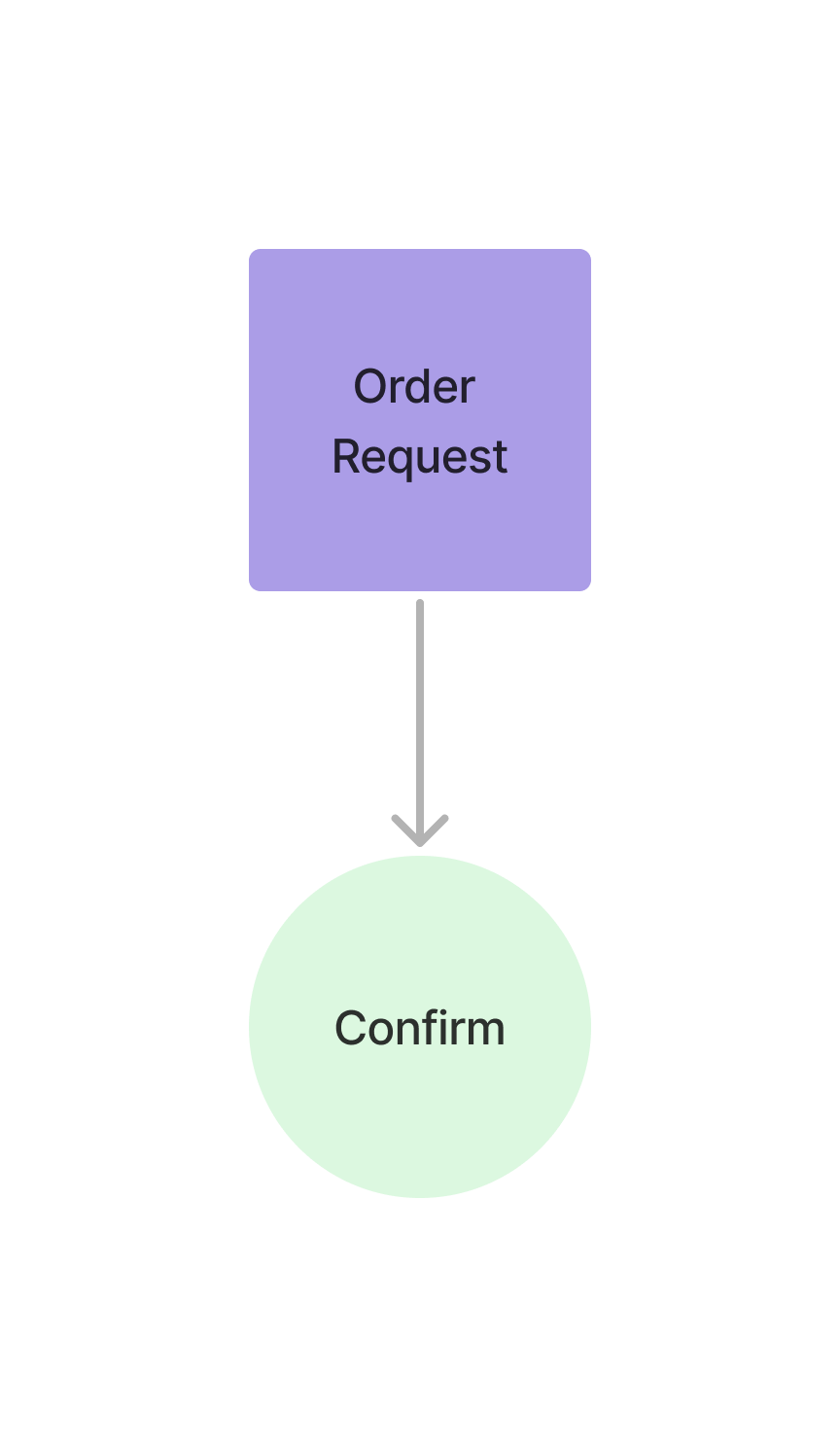
Creating an order request
Section titled “Creating an order request” curl --request POST \ --url https://api.staging.pipevest.com/v1/ussd/process \ --header 'Content-Type: application/json' \ --header 'Authorization: Bearer <access-token>' \ --header 'x-client-id: <client-id>' \ --data '{"sessionId": "<session-id>", "choice": "1"}'Example Response
{ "message": "USSD request processed successfully", "data": { "sessionId": "ussd_5310deea137a9cd999b02ae68a7bbbec", "currentState": "PURCHASE_SUCCESS", "menu": { "state": "PURCHASE_SUCCESS", "text": "Purchase started\nApple Inc. (AAPL)\nAmount: ZK22.00", "options": [ { "key": "1", "label": "Buy more", "nextState": "BUY_STOCK" }, { "key": "2", "label": "Stock details", "nextState": "SELECT_STOCK" }, { "key": "3", "label": "Other stocks", "nextState": "STOCKS" }, { "key": "0", "label": "Home", "nextState": "HOME" } ], "isEndState": false }, "ussdText": "Purchase started\nApple Inc. (AAPL)\nAmount: ZK22.00\n\n1. Buy more\n2. Stock details\n3. Other stocks\n0. Home", "expiresAt": "2025-11-06T14:58:33.942Z" }}Purchase started Apple Inc. (AAPL) Amount: ZK22.00 1. Buy more 2. Stock details 3. Other stocks 0. Home
Purchase started is the operative word: the order has been accepted and is
being worked, not settled. Poll
payment status for the outcome.
Confirm request view example
Section titled “Confirm request view example”USSD Confirm Request View
Check out an example of the ussd confirm request view