

Portfolio Menu View
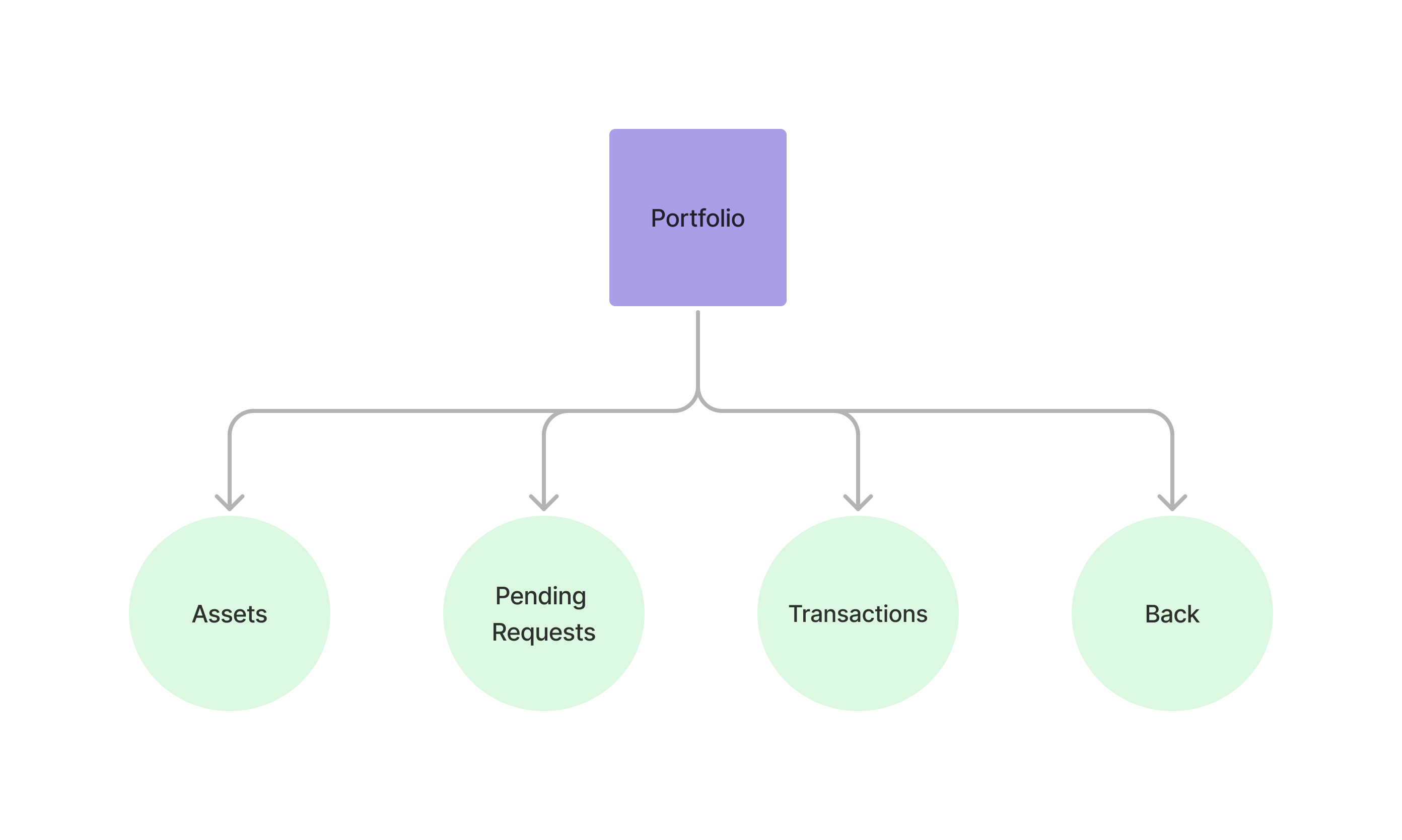
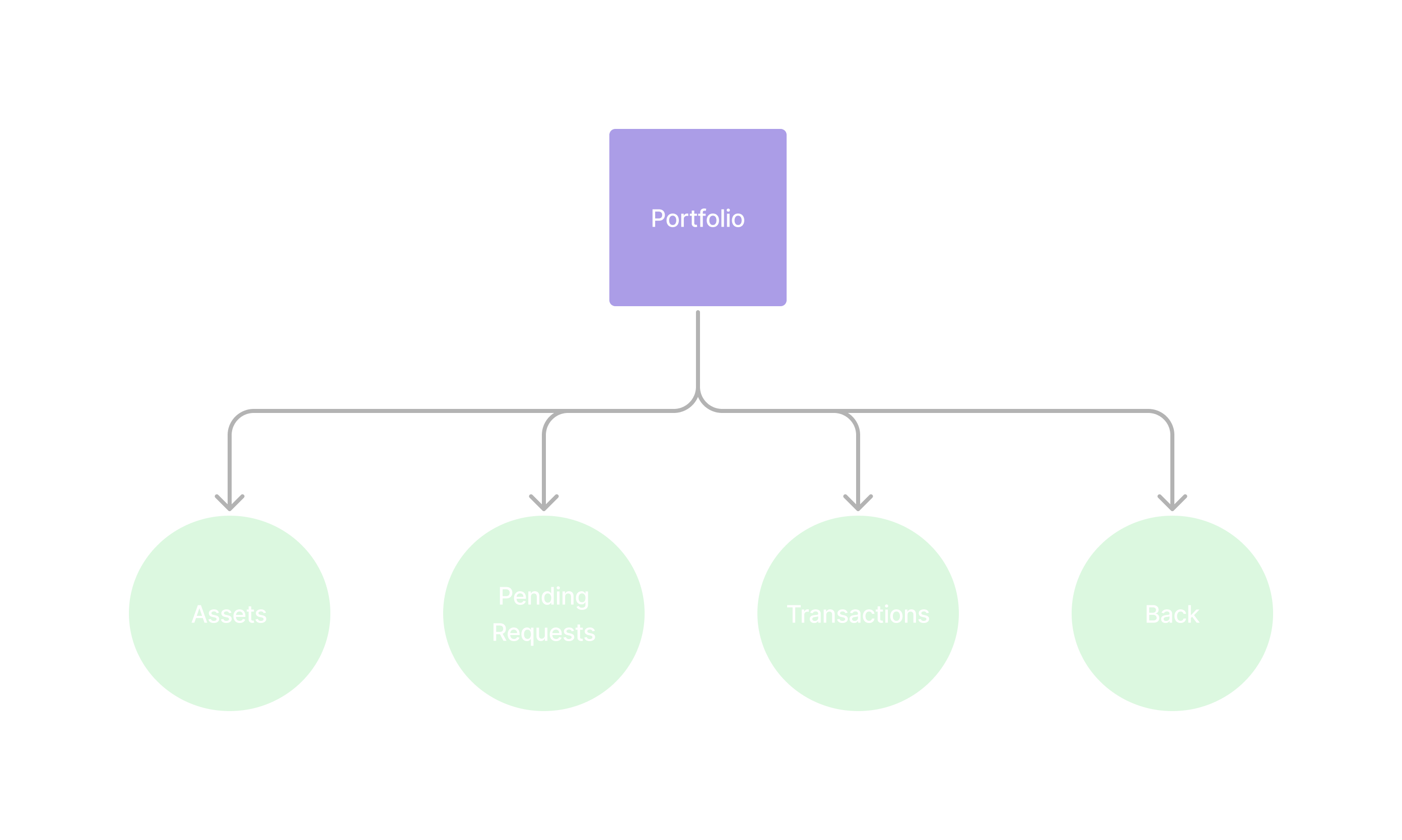
The portfolio view allows users to see their assets, review pending order requests and transactions.
Accessing the Portfolio View
Section titled “Accessing the Portfolio View” curl --request POST \ --url https://api.staging.pipevest.com/v1/ussd/process \ --header 'Content-Type: application/json' \ --header 'Authorization: Bearer <access-token>' \ --header 'x-client-id: <client-id>' \ --data '{"sessionId": "<session-id>", "choice": "2"}'Example Response
{ "message": "USSD request processed successfully", "data": { "sessionId": "ussd_2231df057f1f8f5269f0a268249ac104", "currentState": "MY_PORTFOLIO", "menu": { "state": "MY_PORTFOLIO", "text": "My Portfolio", "options": [ { "key": "1", "label": "View Assets", "nextState": "VIEW_ASSETS" }, { "key": "2", "label": "Pending Requests", "nextState": "PENDING_REQUESTS" }, { "key": "3", "label": "Transaction History", "nextState": "TRANSACTION_HISTORY" }, { "key": "0", "label": "Home", "nextState": "HOME" } ], "isEndState": false }, "ussdText": "My Portfolio\n\n1. View Assets\n2. Pending Requests\n3. Transaction History\n0. Home", "expiresAt": "2025-11-10T14:56:05.356Z" }}My Portfolio 1. View Assets 2. Pending Requests 3. Transaction History 0. Home
Portfolio View Example
Section titled “Portfolio View Example”USSD Portfolio View
Check out an example of the ussd portfolio view