

Home Menu View
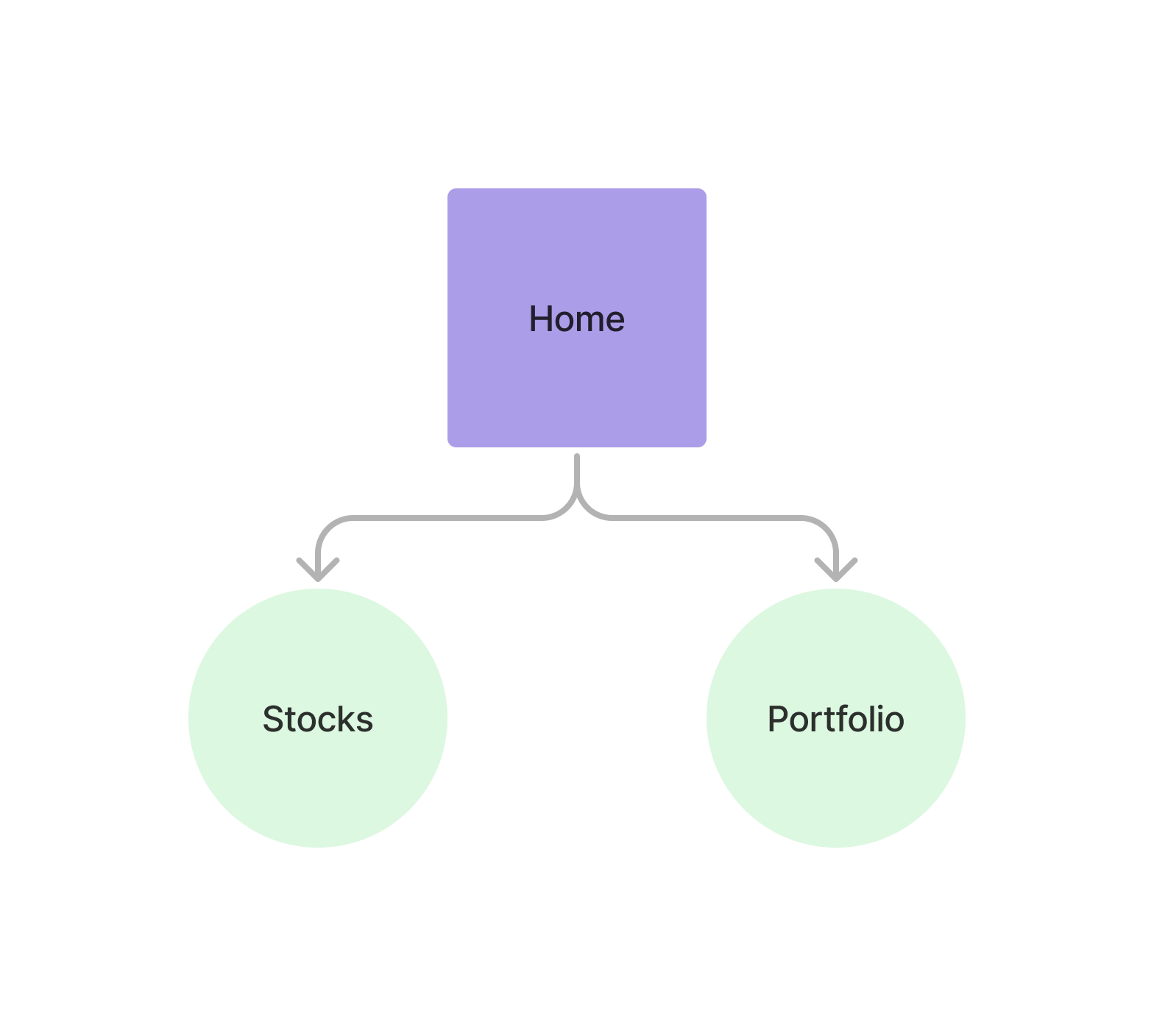
The home menu view is the main ussd view and the start point for end users to interact with pipevest system.
Accessing the Home View
Section titled “Accessing the Home View”Example Response
{ "message": "USSD session created successfully", "data": { "sessionId": "ussd_5310deea137a9cd999b02ae68a7bbbec", "currentState": "HOME", "menu": { "state": "HOME", "text": "Select an investment option:", "options": [ { "key": "1", "label": "Stocks", "nextState": "STOCKS" }, { "key": "2", "label": "My Portfolio", "nextState": "MY_PORTFOLIO" } ], "isEndState": false }, "ussdText": "Select an investment option:\n\n1. Stocks\n2. My Portfolio", "expiresAt": "2025-11-06T14:58:33.942Z" }}Select an investment option: 1. Stocks 2. My Portfolio
Home View Example
Section titled “Home View Example”USSD Home View
Check out an example of the ussd home view